Switch Statements
Instead of writing many if..else statements, you can use the switch statement.
The switch statement selects one of many code blocks to be executed:
switch(expression) {
  case x:
    // code block
    break;
  case y:
    // code block
    break;
  default:
    // code block
}
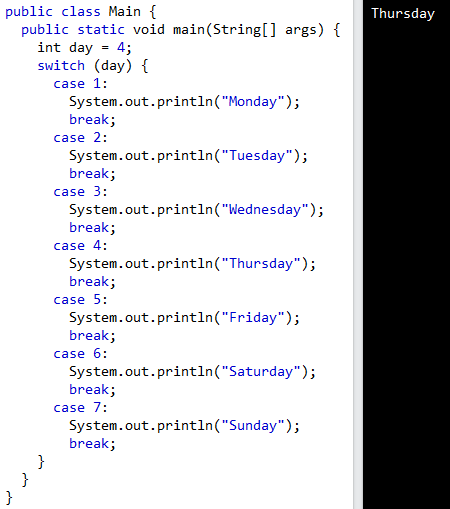
This is how it works:
- The switch expression is evaluated once.
- The value of the expression is compared with the values of each case.
- If there is a match, the associated block of code is executed.
- The break and default keywords are optional
The break Keyword
When Java reaches a break keyword, it breaks out of the switch block.
This will stop the execution of more code and case testing inside the block.
When a match is found, and the job is done, it's time for a break. There is no need for more testing.
A break can save a lot of execution time because it "ignores" the execution of all the rest of the code in the switch block.
default Keyword
The default keyword specifies some code to run if there is no case match:
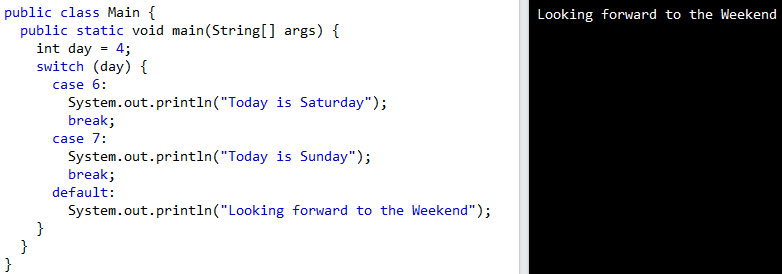
Note that if the default statement is used as the last statement in a switch block, it does not need a break.